Singapore Work Permit IPA Check Online: How to Verify Your Helper's IPA (2026)
TL;DR: To check your helper's Work Permit status and IPA in Singapore, use MOM's free Check Work Pass and Application Status eService with her FIN or passport plus date of birth (no login). Verify every IPA field, confirm the six-month validity, and cross-check the letter to rule out a fake.
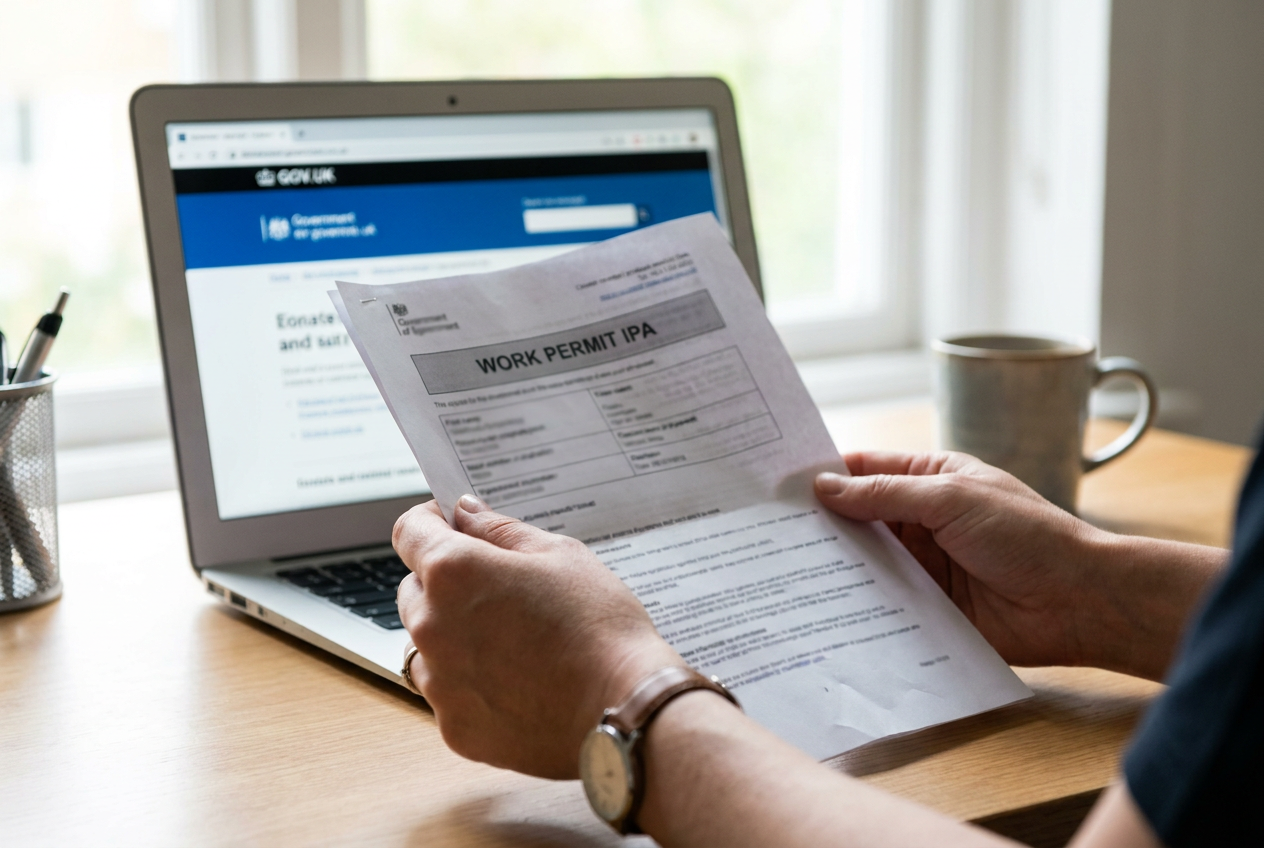
The In-Principle Approval (IPA) letter is the doorway between a Work Permit application and an actual Work Permit being issued. Once the Ministry of Manpower (MOM) approves your domestic helper application, it sends an IPA, a PDF that authorises the helper to enter Singapore, sets out the terms of employment, and triggers the clock for everything that has to happen before the Work Permit card is finally issued. If anything on the IPA is wrong, missing, or expired, the helper will be turned away at the airport, the medical examination will be flagged, or the Work Permit will simply fail to issue. This guide shows you how to check the IPA online, what to verify line by line, and how to spot the rare but real cases of doctored IPA letters circulating in informal channels.
Reviewed by Yvonne, Placement Consultant at Upwill Employment Services (MOM EA Licence 24C2628).
What is the IPA letter
The IPA (short for In-Principle Approval) is the official document MOM issues once your Work Permit application for a domestic helper is approved. It is not the Work Permit itself. Think of it as a conditional approval that says, in effect, "based on what you have submitted, this helper is approved to come to Singapore and have a Work Permit issued, provided the remaining steps are completed within the validity window."
The IPA is what the helper presents at Changi Airport immigration. It is also what enrols her for the mandatory medical examination and lets the employer purchase the bond, insurance and Settling-In Programme. Without a valid IPA, none of those downstream steps can happen.
The IPA arrives as a PDF, typically forwarded by the employment agency, or sent directly to the employer's registered email if the application was submitted in-house. You will also be able to view its status online (covered below).
Step-by-step: how to check the IPA online
MOM provides a free, no-login eService called Check Work Pass and Application Status. It is the same tool used to verify any Work Permit, S Pass, Employment Pass, Dependant's Pass or IPA in Singapore.
- Go to service2.mom.gov.sg/workpass/enquiry. No Singpass login is required.
- Select the pass type: for a helper, choose Work Permit.
- Enter the helper's date of birth.
- Enter either the FIN (Foreign Identification Number, shown on the IPA) or the helper's passport / travel document number.
- Complete the CAPTCHA and submit.
The system returns the current status: Application In-Process, Approved (IPA issued), Work Permit Issued, Expired, Cancelled, or Rejected, plus the validity window and salary details if you also have the Date of Application from the IPA itself.
For the broader question of whether a Work Permit is currently live, see our companion guide on how to check Work Permit status in Singapore.
Key fields on the IPA: what to verify
Before you accept the IPA as valid, read it like a contract. A single mis-keyed character on the helper's particulars can hold up the medical, the Settling-In Programme, or the Work Permit issuance.
| Field | What to verify |
|---|---|
| Helper's full name | Exactly matches the passport, including middle names, suffixes and spacing |
| Date of birth | Matches passport DD/MM/YYYY |
| Passport number | Matches current passport; if she renewed her passport after the application, you must update MOM |
| Nationality | Correct country of origin |
| FIN | Single, unique Foreign Identification Number issued for this application |
| Employer name & NRIC | Your name as it appears on your NRIC, not a nickname |
| Approved monthly salary | Matches what you agreed in writing, binding for the Employment Contract |
| IPA issue date & validity | Read the expiry date, see next section |
| MOM reference / application number | Used for all subsequent communications |
If any field is wrong, contact your EA immediately, or write to MOM through the WPOL portal to request amendment before the helper boards the flight.
IPA validity period and extension
An IPA for a domestic helper is typically valid for six months from the date of issue. Within that window, three things must happen:
- The helper must enter Singapore.
- She must complete the medical examination within 14 days of arrival.
- The Work Permit must be issued (registered for the biometric card).
If the IPA expires before the helper enters Singapore, the IPA simply lapses. You would normally need to apply for a fresh Work Permit, paying the application fee again. In limited circumstances MOM allows an IPA extension request submitted before the IPA expires, with a written reason. Once it lapses, an extension is no longer possible.
Always diary the IPA expiry the day it arrives. This is a different timeline from the renewal cycle for an existing Work Permit. For that, see renewing a helper Work Permit.
Common IPA mismatch issues
- Passport renewed after IPA issued. Very common with Indonesian and Myanmar passports near expiry. The IPA will carry the old passport number; immigration will block boarding. Update the new passport details with MOM through WPOL and obtain a re-issued IPA before the flight.
- Name spelling variations. Filipino names with multiple given names, Indonesian single-name conventions, Myanmar transliterations. The IPA must match the passport exactly.
- Date of birth discrepancy. Some source-country IDs and passports record different DOBs. Always use the passport DOB on the IPA.
- Salary mismatch. If the salary on the IPA is lower than what you actually agreed verbally, do not let the helper sign the Employment Contract until the IPA is corrected. The IPA salary is the floor for what you must pay.
- Employer's NRIC or address outdated. If you moved house between submission and IPA, update the address before issuance.
For employers transferring an existing helper, see how to transfer a helper in Singapore.
How to spot a fake IPA
Fraudulent IPAs are rare but they do circulate, usually in informal recruitment channels overseas. How to protect yourself:
- Always cross-check on the MOM eService. If the IPA you hold cannot be verified at service2.mom.gov.sg/workpass/enquiry using the FIN and DOB, the IPA is not real. This is the single most reliable test.
- Check the issuer. Genuine IPAs are issued by the Ministry of Manpower, Work Pass Division. The PDF metadata should show MOM as the originator.
- Look for the security elements. Genuine IPAs carry a unique application reference number, a structured FIN, and a clean digital signature block. Doctored copies often have inconsistent fonts or visible artefacts from PDF editing.
- Validate the application number with your EA. A licensed EA can confirm the IPA against their own WPOL records.
- Be wary of "agents" who only operate over messaging apps and cannot show you an EA licence number. Upwill's number is 24C2628.
What happens after the IPA is issued
- Helper arrives in Singapore: she presents the IPA at Changi Airport immigration.
- Settling-In Programme: first-time helpers must attend the one-day SIP within 7 days of arrival in Singapore (excluding Sundays and public holidays), before starting work.
- Medical examination: completed within 14 days of arrival at any MOM-recognised clinic.
- Security bond and insurance: the employer must have a valid S$5,000 security bond and a Work Permit-compliant medical and personal accident insurance policy in place. Upwill's helper insurance plans meet the 2026 requirements.
- Work Permit issuance: once medical is cleared and bond/insurance are in place, MOM issues the Work Permit.
- Sign the Employment Contract: covering salary (matching the IPA), rest day, deductions, leave.
Keep the PDF: you will need it whenever you renew, transfer, or eventually cancel the helper's Work Permit, and to update her FDW employment history record.
Pre-arrival IPA verification checklist
- IPA PDF received and saved to a permanent folder
- Status confirmed as Approved on MOM Check Work Pass and Application Status eService
- Helper's name, DOB, passport number and nationality match her current passport exactly
- Passport has at least seven months of validity remaining
- Approved salary on IPA matches the agreed amount in writing
- Employer name, NRIC and address are current and correct
- IPA expiry date diarised. Flight booked well before expiry
- Settling-In Programme slot pre-booked if first-time helper
- Helper insurance and S$5,000 bond ready to activate on arrival
- EA licence number of any agent you are working with verified on MOM's EA Directory
Reviewed by Yvonne, licensed employment consultant at Upwill Employment (MOM EA Licence 24C2628). For help reviewing an IPA before your helper's arrival, contact the Upwill team. We'll cross-check every field against the MOM record at no charge.