How to Check Work Permit Status in Singapore (2026): Step-by-Step Guide
TL;DR: To check work permit status in Singapore, use MOM's free Check Work Pass and Application Status eService with the helper's date of birth plus her FIN or passport number. No login is needed. You can also scan the QR code on her card with the SGWorkPass app. As her employer, you track and act on her application (IPA, issuance, renewal, cancellation) in MOM's FDW eService with Singpass.
Whether you are verifying a candidate before signing a contract, confirming that a renewal has gone through, or simply trying to read the expiry date off your helper's Work Permit card, you need one reliable answer: what does MOM say the status is right now? Guessing from emails or screenshots is risky. A card can look genuine and still have been cancelled, and the only authoritative source is the Ministry of Manpower (MOM).
This guide walks Singapore employers through the official ways to check a helper's Work Permit status: the public Check Work Pass and Application Status eService (no login), the SGWorkPass app, MOM's phone line, and the FDW eService you use as the employer. We cover what the results mean, how to read an IPA (In-Principle Approval) letter, where to find the expiry date, and what to do when the status looks wrong.
Written by Yvonne, EA Personnel, Upwill Employment (EA Licence 24C2628). Last updated 22 September 2026. About the reviewer.
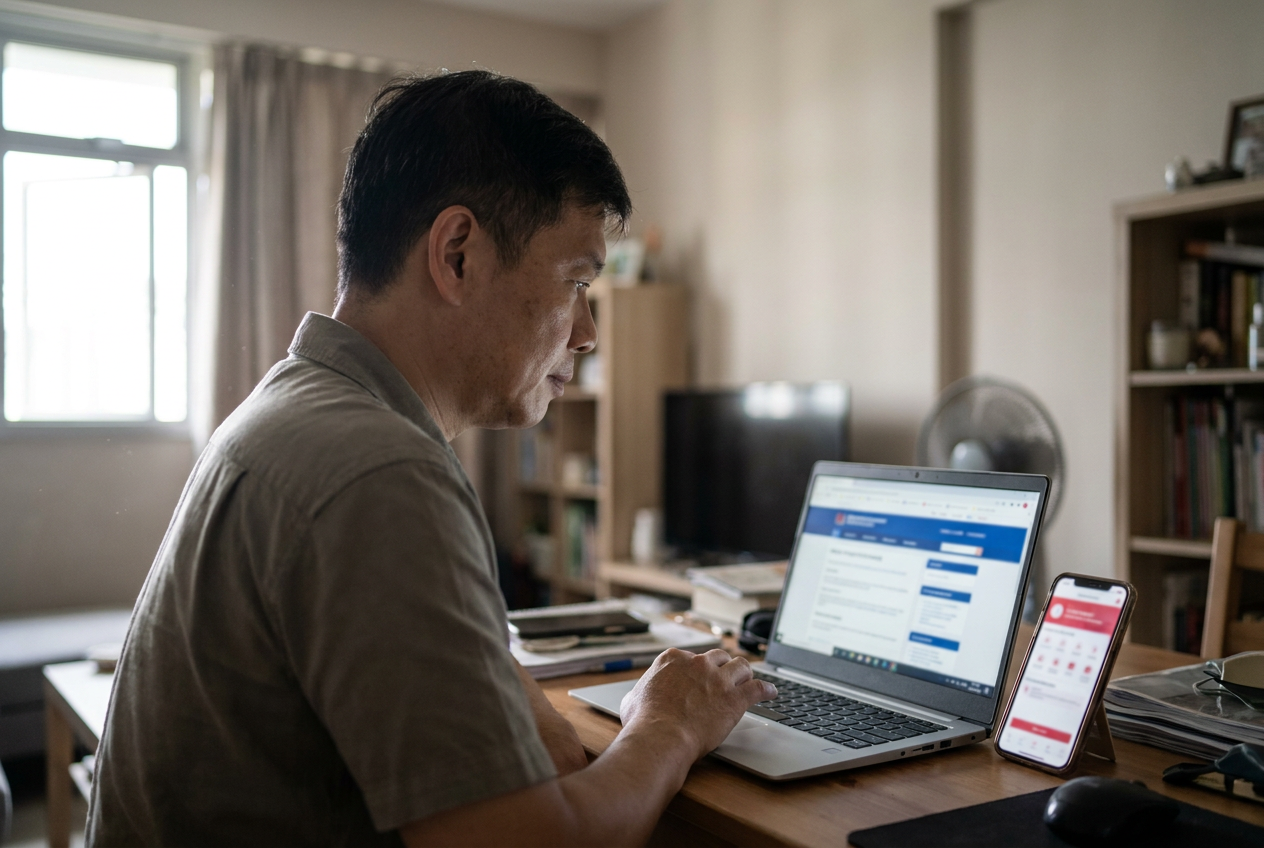
Who can check, and what you need
MOM offers several channels, and they serve different purposes:
- Public eService (Check Work Pass and Application Status): no login required. You can check application status and pass validity with the worker's date of birth plus her FIN or passport number. It runs 24/7, is available in English, Bengali, Chinese, Malay and Tamil, and lets you save the result as a timestamped PDF.
- SGWorkPass app: view the digital work pass, or scan the QR code on a newer Work Permit card to confirm it is still valid.
- Phone: MOM also runs an interactive voice response line for people without internet access.
- FDW eService (work permit transactions for domestic helpers): for employers (with Singpass), sponsors and employment agencies. This is where you apply, issue, renew, extend, cancel or reinstate your own helper's Work Permit, so it is the place to see where your own application stands.
Before you open the eService, have the following ready:
- Helper's FIN (Foreign Identification Number), printed on the Work Permit card, or her passport number
- Helper's date of birth
- If you are checking Work Permit salary information: the Date of Application shown on the IPA letter
- For the FDW eService: your Singpass
If you are an agency checking on behalf of an employer, you should already have written consent from the employer. At Upwill, this consent is captured at the point of engagement so we can act on the file without delay.
Step-by-step: check work permit status online
For the fastest path, a public status check without login, follow these steps:
- Open the MOM eService page: Check Work Pass and Application Status.
- Choose what you are checking: application status, current pass validity, or Work Permit salary information.
- Enter the helper's date of birth.
- Enter either the FIN or the passport number. Both work; FIN is more reliable once a pass is issued.
- If you are checking Work Permit salary, also enter the Date of Application printed on the IPA letter.
- Complete the CAPTCHA and submit.
- Note the status displayed. If you need a record, save the result as a PDF; it carries a timestamp.
One limit to know: the portal will not show an application or a pass that was cancelled or expired more than 6 months ago. If you are checking a candidate's older history, a blank result does not mean she has never worked here.
Checking the physical card too? MOM advises checking that the photo matches the holder, that the two holographic lenses show her image and her work pass number when tilted, and that the card details match her original passport. Then still check validity online or in SGWorkPass, because a genuine card can already be cancelled. Source: MOM: how to check if a work pass is valid.

What the results mean
The labels you see are short, but each one points to a different next step. Here is how to read the common ones:
| Result | What it means | What to do next |
|---|---|---|
| Pending | Application received by MOM but not yet decided. | Wait. MOM says FDW eService applications are processed within 1 week unless more information is needed; application forms take within 3 weeks for most cases. |
| Approved (IPA issued) | MOM has issued the In-Principle Approval letter. The permit itself has not been issued yet. | Send the helper her copy of the IPA (she needs it to enter Singapore). Arrange the security bond, insurance, flight and her medical examination. |
| Issued | The Work Permit itself has been issued. The helper is legally permitted to work for you. | She can view her digital pass in SGWorkPass. The physical card is delivered within 5 working days after registration or document verification. |
| Rejected | MOM did not approve the application. | Read the reason given. MOM has a separate process to appeal against a rejected application. |
| Cancelled | The permit is no longer valid. | She must not work. Confirm the cancellation date and see the section below. |
| Expired | The permit reached its end date without being renewed. | She must not continue working. Renew only if MOM's renewal letter allows it; otherwise arrange her departure. If you renew late, MOM says you are still liable for levy after expiry, and levy penalties or an overstaying fine may be imposed. |
IPA (In-Principle Approval) status and validity
The IPA letter is MOM's approval in principle to issue a Work Permit. When the application is approved, MOM sends the IPA letter and declaration forms to sign. The IPA contains the helper's particulars, the approved salary, the employer's details and a Date of Application. Keep it safe; you need it to issue the permit and to check salary information through the eService.
The IPA is time-limited, and its validity period is the window you have to bring the helper into Singapore. If she needs more time to arrive, MOM's instruction is to extend her IPA validity through the FDW eService before it lapses. If the IPA expires unused, you will need to apply again.
Tip: do not book the flight or schedule the medical exam until the IPA is in your inbox and the particulars (name, passport, date of birth) match the helper's passport exactly. If her passport details change, MOM asks employers to update them through the FDW eService.
After the IPA: what moves the status to Issued
- Medical examination: within 14 days of her arrival.
- Settling-In Programme (SIP): first-time helpers must attend within 7 days of arrival, excluding Sundays and public holidays. See MOM on the SIP.
- Fees: MOM charges $35 when you submit the application and $35 when the pass is issued.
- Card: delivered within 5 working days after registration or document verification.
Source: MOM: apply for a Work Permit for an MDW.

Work permit expiry: how to find it, what to do
A Work Permit for a migrant domestic worker is valid for up to 2 years, depending on the validity of the security bond. The expiry date appears on:
- The Work Permit card
- The SGWorkPass app
- The Check Work Pass and Application Status eService when you query her FIN
MOM sends a renewal letter about 8 weeks before expiry. Once you have it, you buy the renewal insurance package (security bond, medical and personal accident insurance) and renew online. The renewal fee is $35 and the outcome is immediate once everything is in place. Note that your bank or insurer may need up to three working days to send the documents to MOM, so do not leave it to the last week.
Two details that surprise employers in 2026:
- Her passport is no longer tied to the Work Permit duration, so a passport expiring sooner does not shorten the renewed permit. She still needs a valid passport to travel.
- If the insurance package is valid for less than 26 months, the renewed permit ends 2 months before the insurance expires.
If you renew late, MOM says you remain liable for levy after the permit expires, and levy penalties or an overstaying fine may also be imposed. Source: MOM: renew a Work Permit.
For the full renewal walkthrough, see our guide on renewing a helper's Work Permit in Singapore. You should also have a current helper insurance policy in place before submitting renewal.
What a "Cancelled" result tells you
A cancelled permit means the helper is no longer authorised to work on that pass. A permit can end up cancelled for several different reasons, so read the date and the context before you act:
- The employer cancelled it. This is the normal path when employment ends. MOM requires the employer to cancel within 1 week after her last day of work, and the levy is charged until 1 day before the cancellation.
- She moved to a new employer. In a direct transfer, her current permit is cancelled automatically once the new employer's permit is issued.
- MOM revoked it. For example, MOM can revoke a Work Permit after two consecutive missed levy payments.
If you see a cancellation you did not submit and did not agree to, call MOM on 6438 5122 straight away. For the full cancellation playbook, including the 2-week departure rule, see our guide on cancelling a maid Work Permit in Singapore. Source: MOM: cancel a Work Permit.
If your helper is moving to a new employer rather than going home, the status path is different. See how a helper transfer works in Singapore for the steps MOM requires.
Can a maid agency check on my behalf?
Yes. A licensed Employment Agency (EA) can run the status check on your behalf, and can perform Work Permit transactions for you through the FDW eService. At Upwill, we verify:
- The IPA matches the passport (name, date of birth, nationality)
- The current pass status (Pending, Approved, Issued, Cancelled) at each stage of a new placement
- The historical employment record. See FDW employment history verification
- The levy concession status. See FDW levy for when the levy starts and stops
If the agency is using the public eService, no special access is needed, only the helper's date of birth and FIN or passport number.
What to do if status is wrong or stuck
Before escalating, check:
- Is it within MOM's published processing time? FDW eService: within 1 week unless more information is required. Application forms: within 3 weeks for most cases.
- Are particulars correct? A passport renewed between IPA and arrival is a common cause of mismatch. Update her particulars in the FDW eService.
- Has the medical exam been done? It is due within 14 days of arrival.
- Are the security bond and insurance in force? The $5,000 security bond is required for every non-Malaysian helper, and the insurer or bank needs time to send it to MOM.
If the status is genuinely wrong, for example showing Cancelled when you renewed last week, contact MOM on 6438 5122. Keep a screenshot of the status, your application reference number, and the IPA letter on hand.
Quick checklist before you check
- Helper's FIN or passport number
- Helper's date of birth
- IPA letter (PDF), for the Date of Application if you need salary details
- No login for the public eService; Singpass for the FDW eService
- SGWorkPass app installed, to scan the card's QR code
- A note of the last action taken (submitted, renewed, cancelled) and the date
- MOM's line for employers: 6438 5122
About the reviewer: Yvonne is an EA Personnel with Upwill Employment (EA Licence 24C2628). Source documents reviewed on 22 September 2026: MOM Check Work Pass and Application Status, MOM apply for Work Permit (MDW), MOM renew a Work Permit, MOM cancel a Work Permit, MOM eServices and forms for MDW Work Permits.