How to Pay Maid Levy in Singapore 2026: GIRO, AXS & Without Singpass
TL;DR: To pay the maid levy in Singapore, settle it by the 17th of each month for the previous month's permit days. Set up GIRO for automatic deduction, or pay via the AXS app without Singpass using your helper's Work Permit number. Rates are S$300 normal or S$60 concessionary.
Paying the monthly maid levy (the Foreign Domestic Worker, or FDW, levy) is one of the few non-negotiable responsibilities of every employer in Singapore. Miss it for too long and the Ministry of Manpower (MOM) can suspend your helper's Work Permit, meaning she legally cannot continue working in your household until the arrears are cleared. The good news: MOM has made levy payment genuinely easy in 2026, with four official channels including options that do not require Singpass at all.
This guide walks you through every payment method MOM accepts, how to set up GIRO (the option we recommend to virtually all Upwill clients), how to pay via AXS without Singpass, what happens if you are late, and the common mistakes employers make that lead to overpayment or arrears. Everything below reflects MOM's published rules as of May 2026.
The Two Levy Rates and the Monthly Payment Cycle
MOM charges two levy rates in 2026:
- S$300/month. Normal rate. The default rate for most households.
- S$60/month. Concessionary rate. Available to households with a Singapore Citizen child below 16 years old, a parent or grandparent aged 67 and above, or a family member with disabilities. Levy concession is granted for one helper per eligible person and is capped at two helpers per household, so a household with two eligible persons can get the concession on both.
The levy is calculated daily based on the number of days the Work Permit was valid in the previous calendar month. A full 30/31-day month at the normal rate works out to S$300; at the concessionary rate, S$60. Partial months are pro-rated. See the FDW Levy reference page for the daily calculation.
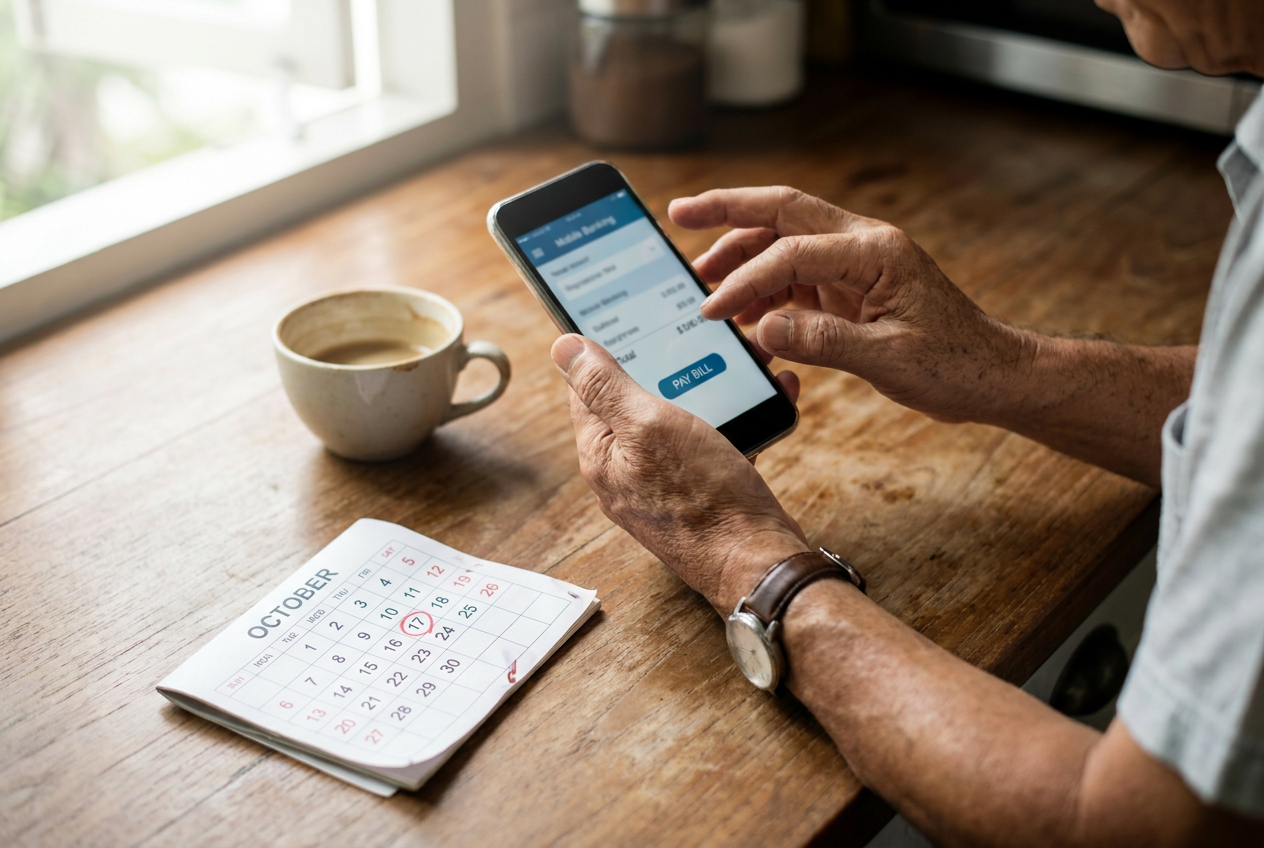
Deadline: Payment for the previous month is due by the 17th of the current month. For example, May 2026 levy must be paid by 17 June 2026. If the 17th falls on a weekend or public holiday, MOM accepts payment on the next working day, but we recommend treating the 17th as firm to avoid edge-case penalties.
The 4 Official Payment Methods MOM Accepts
MOM accepts levy payment through four official channels. You only need to use one, so pick whichever fits your routine.
- GIRO (recommended): automatic monthly deduction from your bank account, free of charge, zero effort after setup.
- Internet banking via Singpass: log in to DBS/POSB, UOB or OCBC e-payment, select "MOM Levy" and pay using your helper's Work Permit number.
- Internet banking or AXS app without Singpass: use the AXS app or AXS website with "MOM Levy" as the billing organisation. No Singpass login required.
- AXS kiosks: physical machines located at HDB void decks, MRT stations, malls and 7-Eleven outlets islandwide. Accepts NETS and most debit/credit cards.
Cash payment over the counter at MOM is no longer accepted as of recent updates. All payment must go through one of the four digital channels above.
Setting Up GIRO: Step-by-Step

GIRO is the option we suggest to almost every Upwill client. Once active, MOM auto-deducts the correct amount on the 17th of each month. You never miss a payment and the deduction is always exact, including pro-rated months.
- Download the GIRO application form from mom.gov.sg (search "Levy GIRO form") or pick one up from any DBS/POSB, UOB or OCBC branch.
- Fill in your helper's Work Permit number (the FIN, starting with G or F), your bank account details and NRIC.
- Submit the form to your bank, either in branch or via your bank's online GIRO setup if available.
- Wait 2 to 4 weeks for activation. During this window, you must still pay manually via AXS or internet banking. MOM will notify you by SMS or letter once GIRO is active.
- Ensure sufficient balance in your linked account by the 16th of each month. Failed GIRO deductions are treated as missed payments.
If you change banks, hire a second helper, or your helper's permit is renewed under a new number, you will need to update or resubmit the GIRO form.
Paying via AXS Without Singpass: Step-by-Step

If you do not have Singpass, are paying on behalf of an elderly relative, or simply prefer not to log in, AXS is the cleanest workaround. The AXS app accepts payment from any Singapore-issued debit or credit card and does not require any government login.
- Open the AXS app (download from App Store or Google Play) or visit axs.com.sg.
- Tap "Bills and Payments" on the home screen.
- Search for "MOM" or "Ministry of Manpower" and select "MOM Levy" as the billing organisation.
- Enter your helper's Work Permit number (FIN). The AXS system pulls the current outstanding amount directly from MOM.
- Confirm the amount shown matches what you expect (S$300, S$60, or the pro-rated figure for partial months).
- Pay using your debit card, credit card or NETS. Save or screenshot the receipt; your payment reference number is on it.
Payments via AXS clear in real time, so MOM's records update within minutes. The same flow works at any physical AXS kiosk; just use the touchscreen instead of the app.
Paying via SAM Kiosks (SingPost): Cash Alternative
SAM kiosks at SingPost outlets are an alternative for employers who prefer to pay in cash. The flow is similar to AXS: tap "Bill Payment", search "MOM Levy", enter the Work Permit number, confirm the amount and insert cash or pay by NETS. SAM kiosks are slightly less common than AXS but useful if you happen to be near a post office. Receipts are printed on the spot; keep them for at least a year in case of any payment dispute.
What If You Miss the Deadline
MOM is firm about the 17th-of-the-month deadline. Late payment consequences escalate the longer you delay:
- Day 18 onwards: MOM charges a late payment penalty of S$20 or 2% per month of the unpaid levy, whichever is higher, capped at 30% of the outstanding levy.
- After 1 to 2 months overdue: You will receive an SMS, email and/or letter from MOM demanding settlement.
- Persistent non-payment: MOM has the authority to suspend or cancel your helper's Work Permit. Once suspended, your helper cannot legally work and you may be barred from hiring another helper until arrears are cleared.
- Security bond risk: MOM may also forfeit part of the S$5,000 security bond you posted when the permit was issued.
If you do fall behind, pay the full outstanding amount (including interest, which AXS and the e-Services portal will calculate automatically) as soon as possible, then set up GIRO to prevent a repeat.
How to Check Your Levy Balance
Two easy ways to confirm your levy status:
- MOM e-Services portal (mom.gov.sg): log in with Singpass, navigate to "Foreign Domestic Worker" and view the levy account summary. This shows outstanding balance, payment history and any interest charges. Singpass is required for this view.
- AXS app or kiosk: entering your helper's Work Permit number on the MOM Levy screen will display the current amount due in real time, without any login.
Special Cases: Pro-Rata, Final Month and Second Helper
First-month pro-rata. When your helper's Work Permit is first issued mid-month, MOM charges levy only from the issuance date. Daily rate at the normal tier is about S$9.87/day; concessionary works out to roughly S$1.97/day.
Final-month payment. When you cancel the Work Permit (e.g. helper returns home or transfers to another employer), levy is charged up to and including the cancellation date. A final pro-rated bill appears in your account; settle it within 7 days of cancellation to close the file cleanly.
Second helper. Households with two helpers pay levy separately for each. Only one helper qualifies for the concessionary rate (if eligible); the second helper is always charged at the normal S$300 rate. For a full cost breakdown including levy, see how much it costs to hire a maid in Singapore 2026.
Levy relief for working mothers. Working mothers can claim levy concession or Foreign Domestic Worker Levy Relief through IRAS during tax filing. Details are in our maid levy relief guide for 2026.
Common Mistakes to Avoid
- Paying the wrong amount. Always let AXS or MOM e-Services pull the figure for you. Do not type S$300 manually if the system shows a pro-rated S$240. Overpayment is refundable but takes weeks to process.
- Paying for the wrong helper. Two-helper households sometimes pay one helper twice and leave the other unpaid. Always cross-check the Work Permit number on the receipt.
- Double payments. If you forget you have GIRO active and pay manually anyway, MOM will deduct twice. Set a reminder for the 17th, but trust GIRO once it is set up.
- Assuming the agency pays it. Levy is the employer's legal responsibility, not the agency's, not the helper's. Confirm this in writing during onboarding. Our hiring criteria guide covers all employer obligations.
- Forgetting to cancel GIRO after permit ends. GIRO stops automatically once MOM closes the levy account, but always confirm via e-Services after cancellation.